Hardened servers, proven line by line.
Check servers, web servers and databases against hardening baselines. ConfGoOne finds weak remote-access settings, legacy protocols, missing lockout policies and insecure kernel parameters — and shows the exact change to make.
What ConfGoOne checks
What every review covers — each finding is reported with the evidence from your file and the fix.
Baselines you already follow
Findings are mapped to CIS Benchmarks, DISA STIG and NIST SP 800-53.
From finding to fix
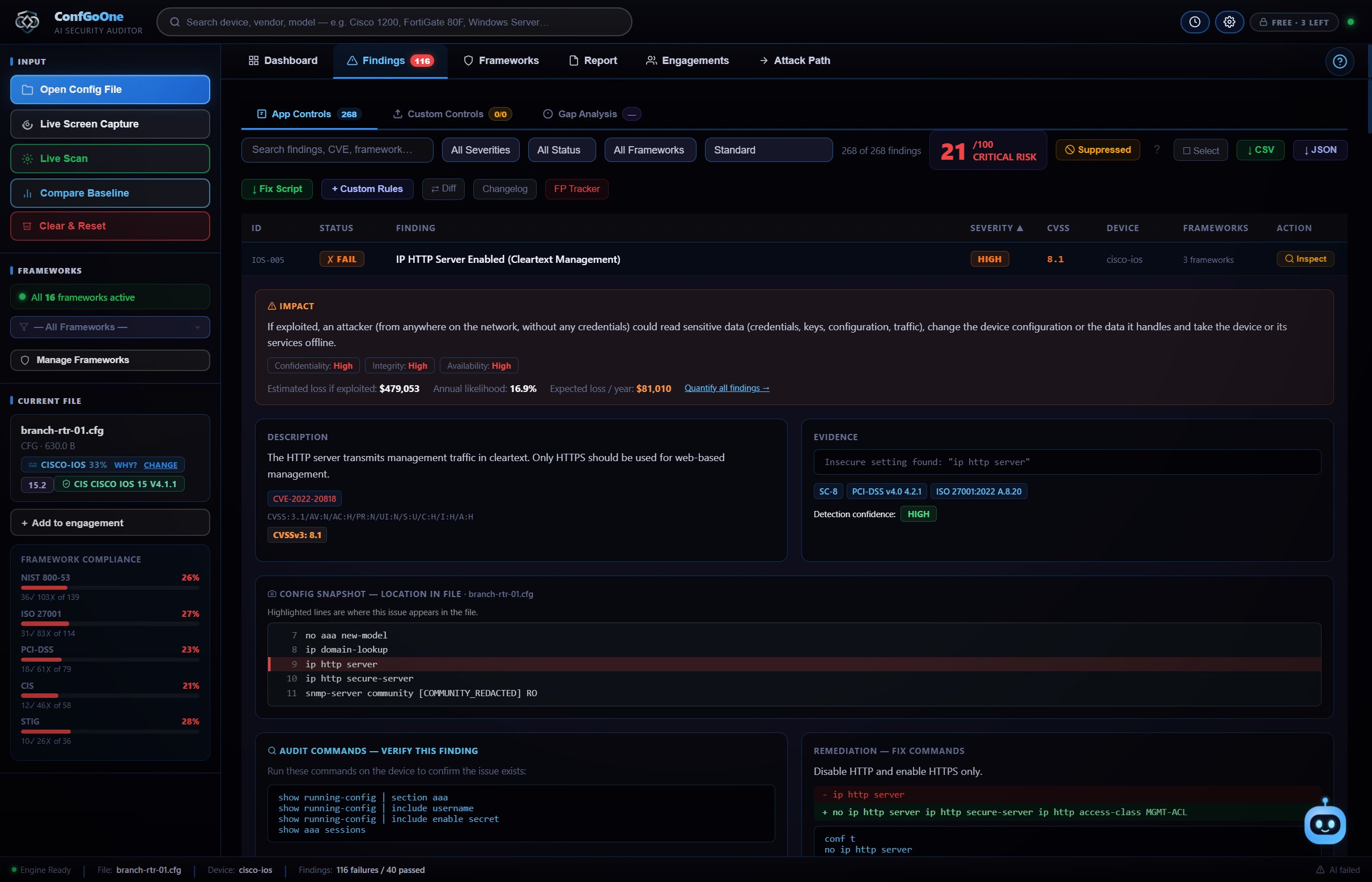
Each failure includes the commands or settings to correct it, plus a Fix Script for all of them.
History and drift
Every audit is kept in History, so you can show a server got more secure over time.
How it works
No setup, no agent, no "start scan" button.
A configuration file, a live connection or a screen capture — whichever you can get.
The device type is recognised and every setting is checked the moment the file opens.
Work through the findings with their fix commands, then export HTML, PDF, Word or a STIG checklist.
Questions
How do I audit server hardening?
Open the relevant configuration file or settings export in ConfGoOne. It checks it against hardening rules and shows each issue with the fix.
Can it audit Group Policy?
Yes. Security settings and Group Policy exports are checked for issues such as legacy protocols, authentication level, password and lockout policy, and remote desktop settings.
Which web servers and databases are supported?
The most widely used web servers and databases. ConfGoOne recognises the type in the file you open automatically.
Does it install an agent on my servers?
No. ConfGoOne works from configuration files or a live connection you start — nothing is installed on the server.
Related
Run your first audit in the next minute.
Three free audits. No credit card, no cloud upload — your configs never leave your PC.
Download ConfGoOne →